

This article is a repost of An Illustrated Guide to Useful Command Line Tools - WezM.net by Wesley Moore as there were issues in sharing this.
Inspired by a similar post by Ben Boyter this a list of useful command line tools that I use. It’s not a list of every tool I use. These are tools that are new or typically not part of a standard POSIX command line environment.
This post is a living document and will be updated over time. It should be obvious that I have a strong preference for fast tools without a large runtime dependency like Python or node.js. Most of these tools are portable to *BSD, Linux, macOS. Many also work on Windows. For OSes that ship up to date software many are available via the system package repository.
About my CLI environment: I use the zsh shell, Pragmata Pro font, and base16 default dark color scheme. My prompt is generated by promptline.
Tools
- Alacritty
- alt
- bat
- chars
- dot
- dust
- exa
- eva
- fd
- hexyl
- jq
- mdcat
- pass
- Podman
- Restic
- ripgrep
- shotgun
- skim
- slop
- Syncthing
- tig
- titlecase
- Universal Ctags
- watchexec
- z
- zola
Alacritty 
Alacritty is fast terminal emulator. Whilst not strictly a command line tool, it does host everything I do in the command line. It is the terminal emulator in use in all the screenshots on this page.
alt
alt is a tool for finding the alternate to a file. E.g. the header for an implementation or the test for an implementation. I use it paired with Neovim to easily toggle between tests and implementation.
$ alt app/models/page.rb
spec/models/page_spec.rbbat
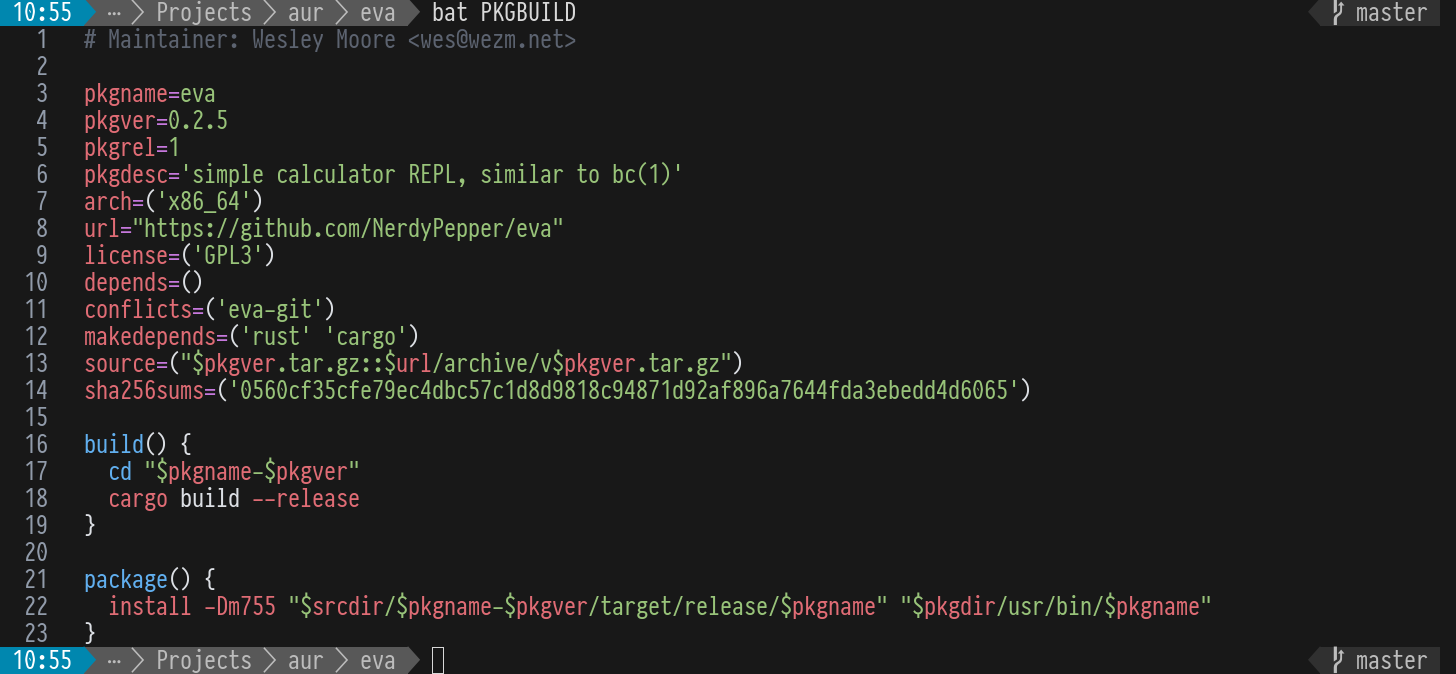
bat is an alternative to the common (mis)use of cat to print a file to the terminal. It supports syntax highlighting and git integration.
chars
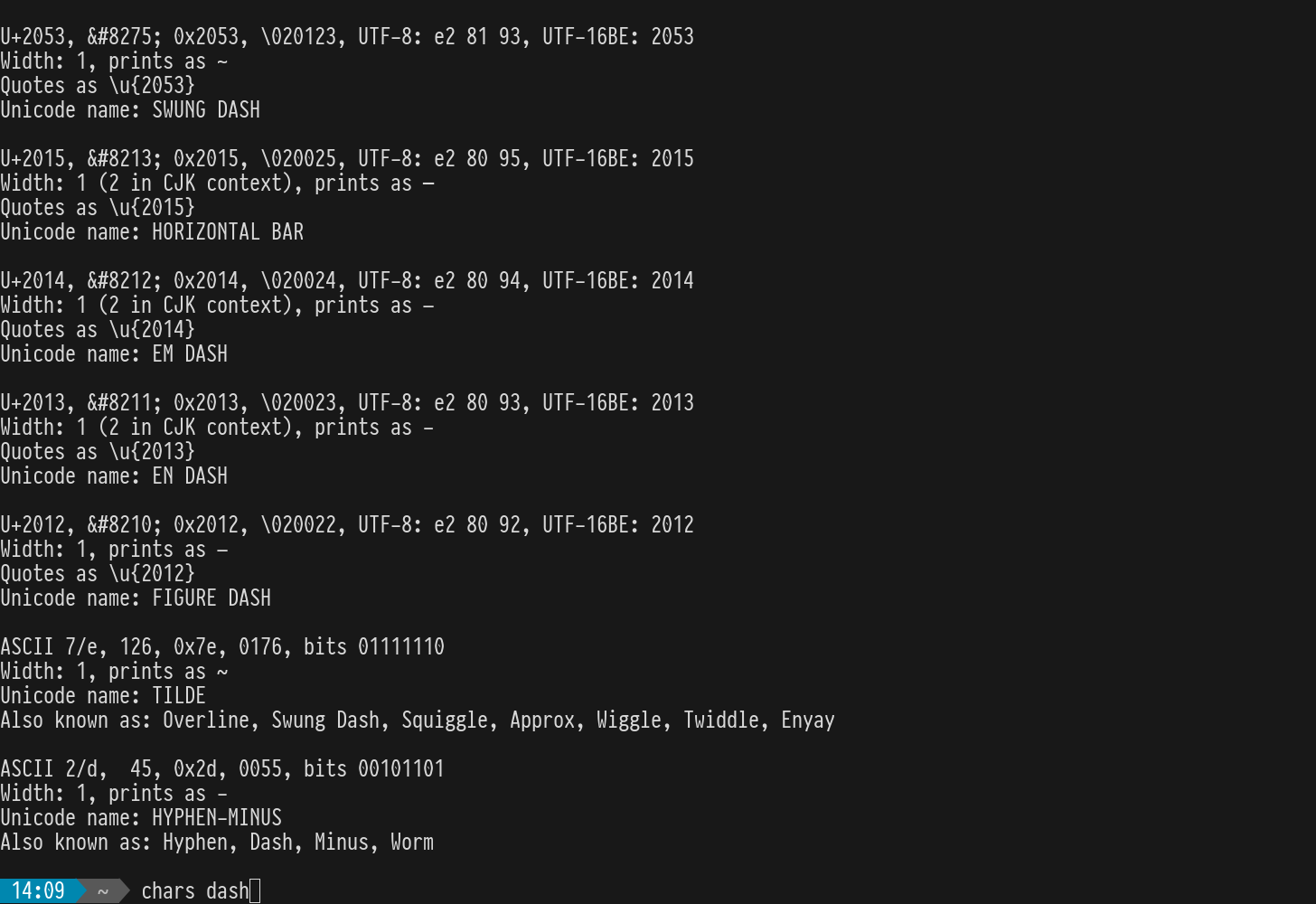
chars shows information about Unicode characters matching a search term.
dot
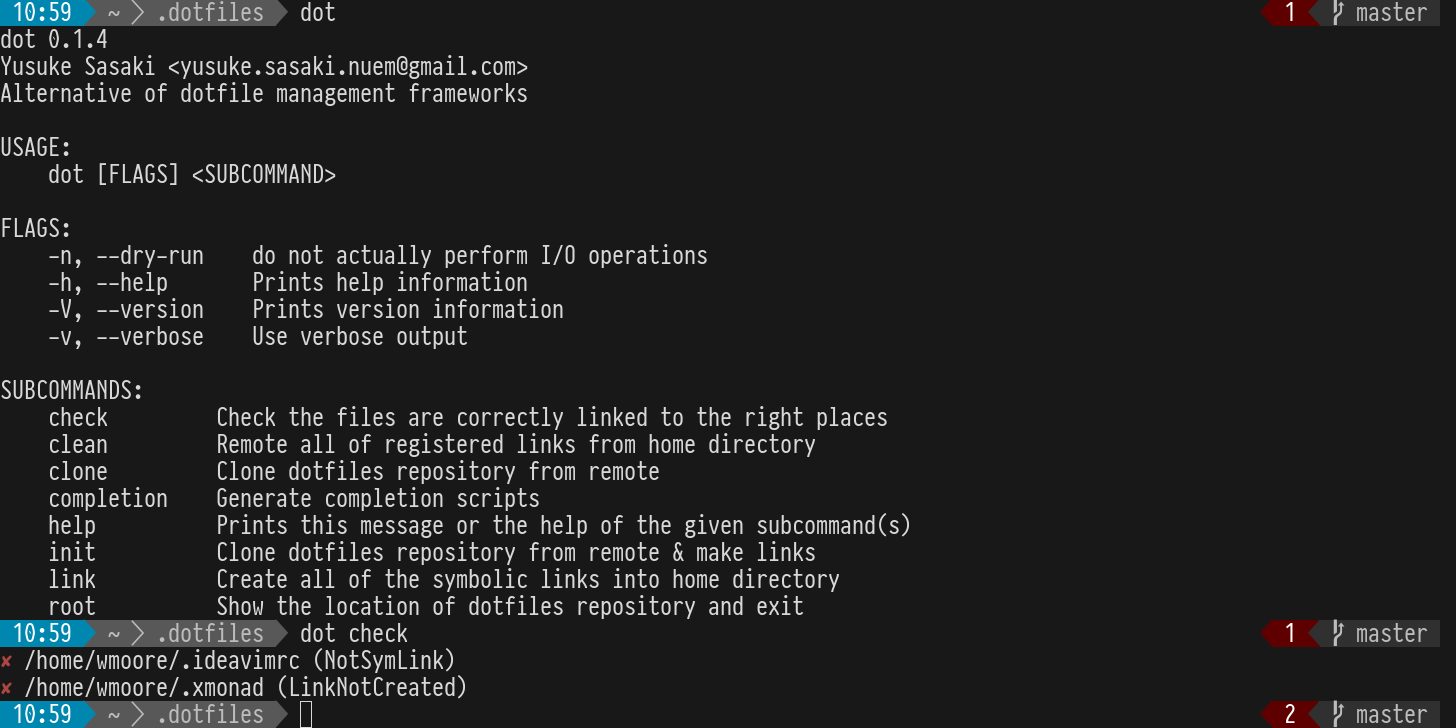
dot is a dotfiles manager. It maintains a set of symlinks according to a mappings file. I use it to manage my dotfiles.
dust
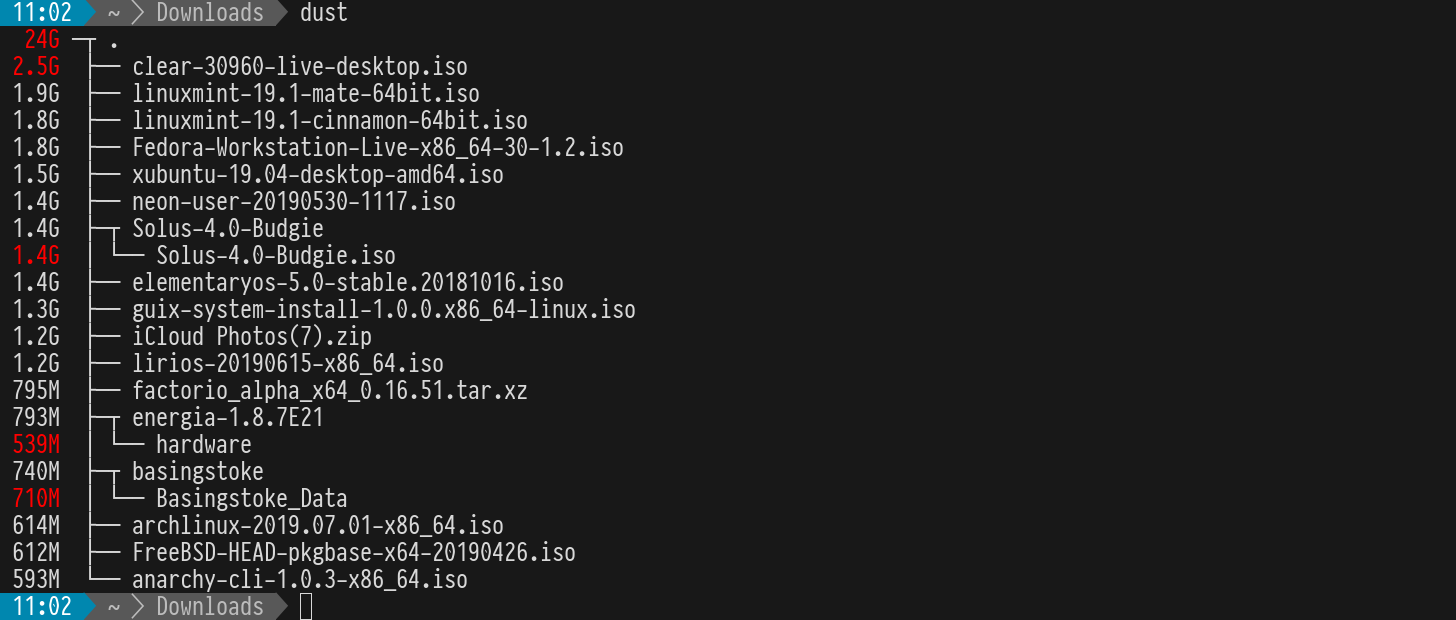
dust is an alternative du -sh. It calculates the size of a directory tree, printing a summary of the largest items.
exa
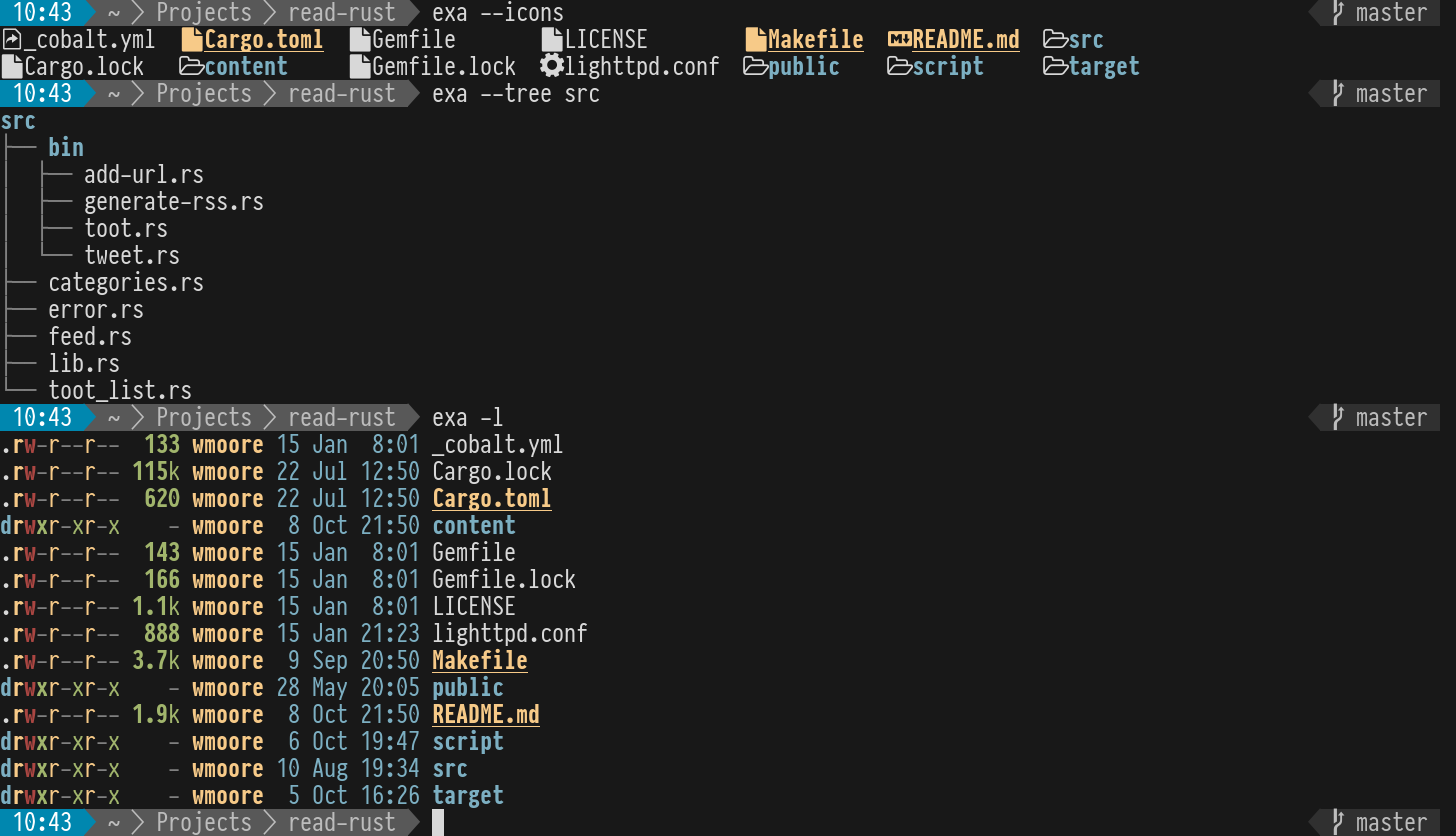
exa is a replacement for ls with sensible defaults and added features like a tree view, git integration, and optional icons. I have ls aliased to exa in my shell.
eva
eva is a command line calculator similar to bc, with syntax highlighting and persistent history.

fd
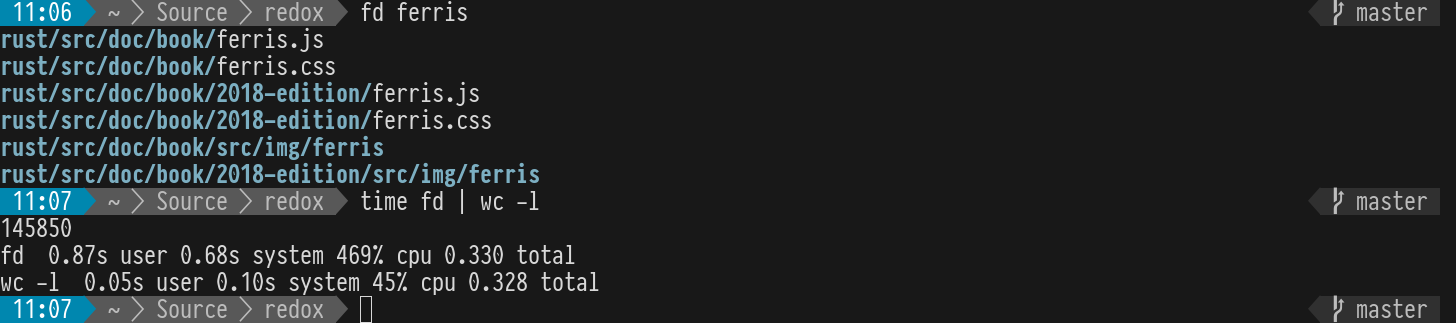
fd is an alternative to find and has a more user friendly command line interface and respects ignore files, like .gitignore. The combination of its speed and ignore file support make it excellent for searching for files in git repositories.
hexyl
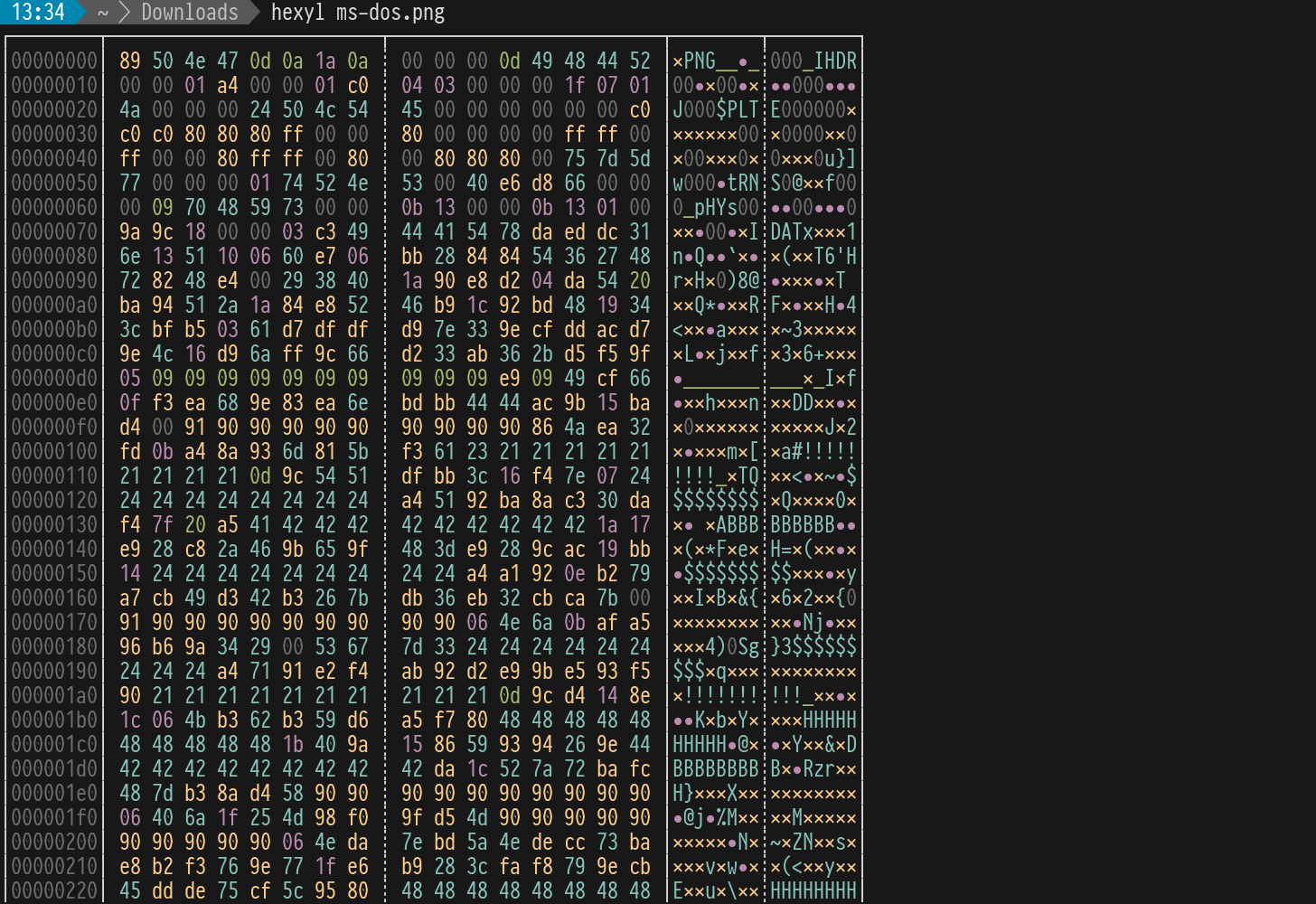
hexyl is a hex viewer that uses Unicode characters and colour to make the output more readable.
jq 
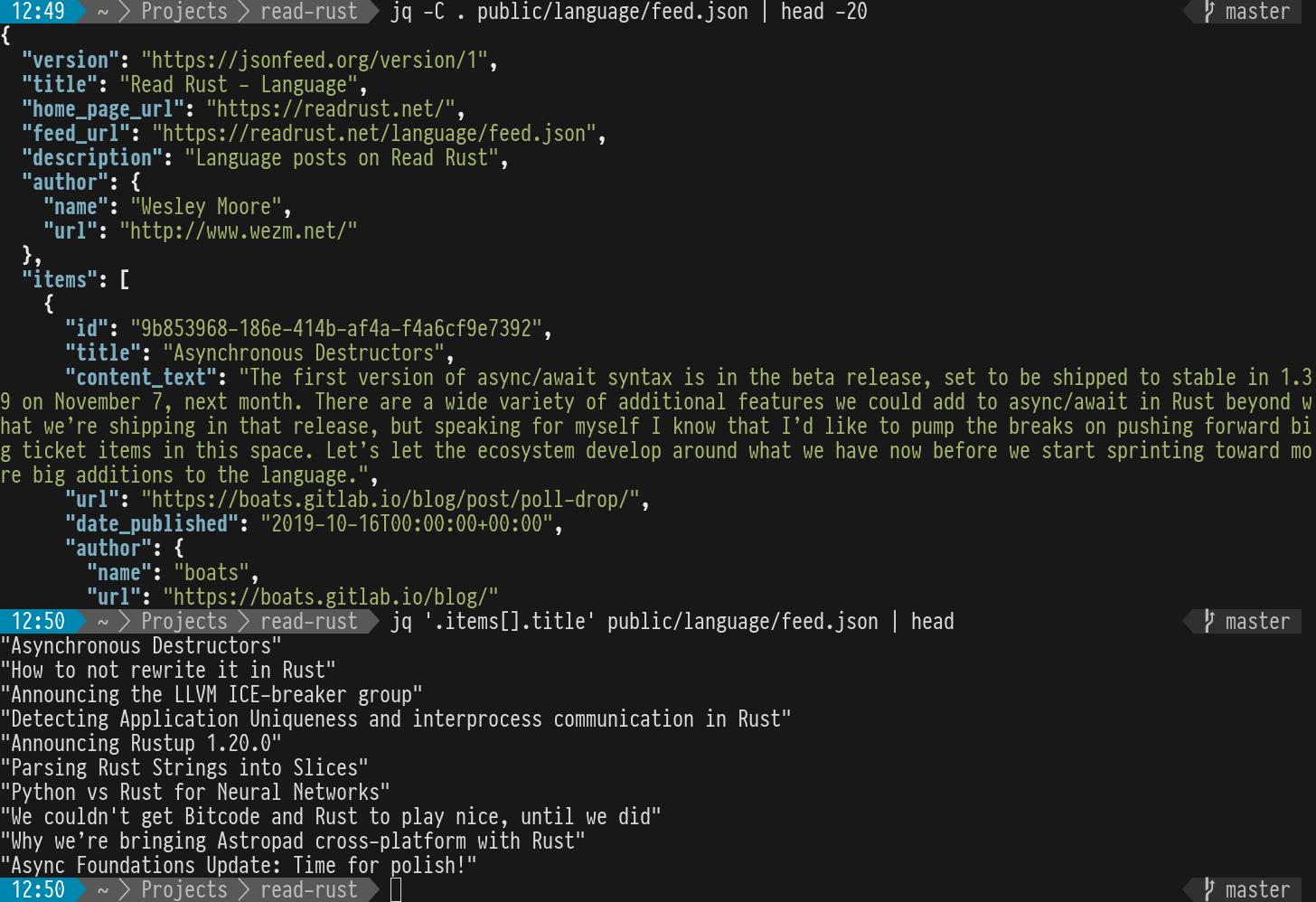
jq is kind of like awk for JSON. It lets you transform and extract information from JSON documents.
mdcat
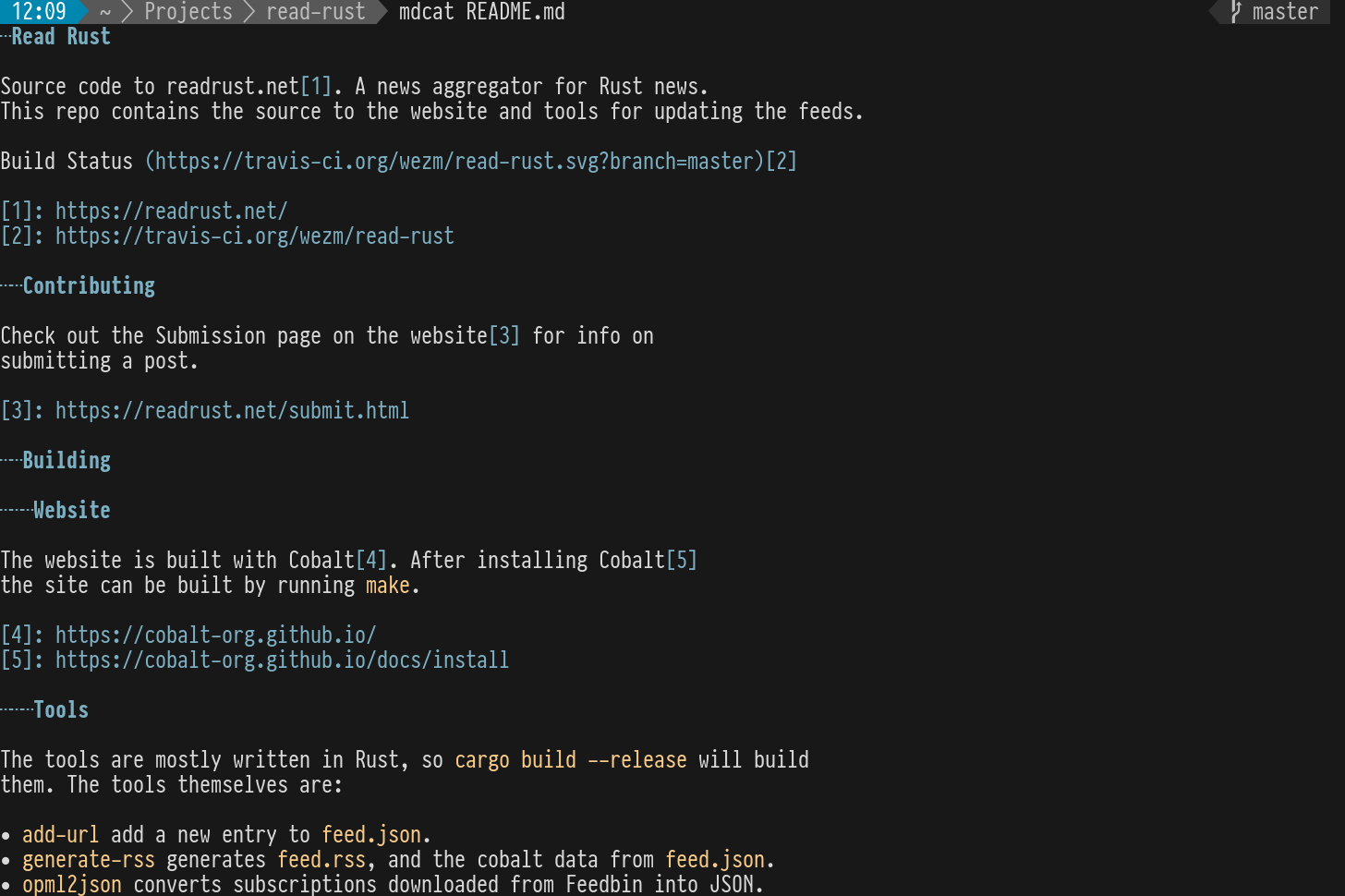
mdcat renders Markdown files in the terminal. In supported terminals (not Alacritty) links are clickable (without the url being visible like in a web browser) and images are rendered.
pass 
pass is a password manager that uses GPG to store the passwords. I use it with the passff Firefox extension and Pass for iOS on my phone.

Podman
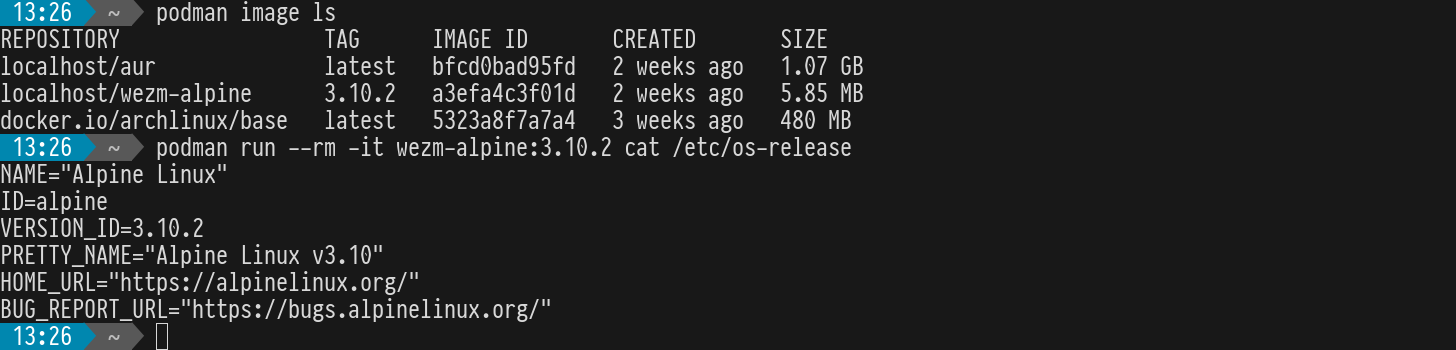
podman is an alternative to Docker that does not require a daemon. Containers are run as the user running Podman so files written into the host don’t end up owned by root. The CLI is largely compatible with the docker CLI.
Restic
restic is a backup tool that performs client side encryption, de-duplication and supports a variety of local and remote storage backends.
ripgrep
ripgrep (rg) recursively searches file trees for content in files matching a regular expression. It’s extremely fast, and respects ignore files and binary files by default.

shotgun
shotgun is a tool for taking screenshots on X.org based environments. All the screenshots in this post were taken with it. It pairs well with slop.
$ shotgun $(slop -c 0,0,0,0.75 -l -f "-i %i -g %g") eva.pngskim
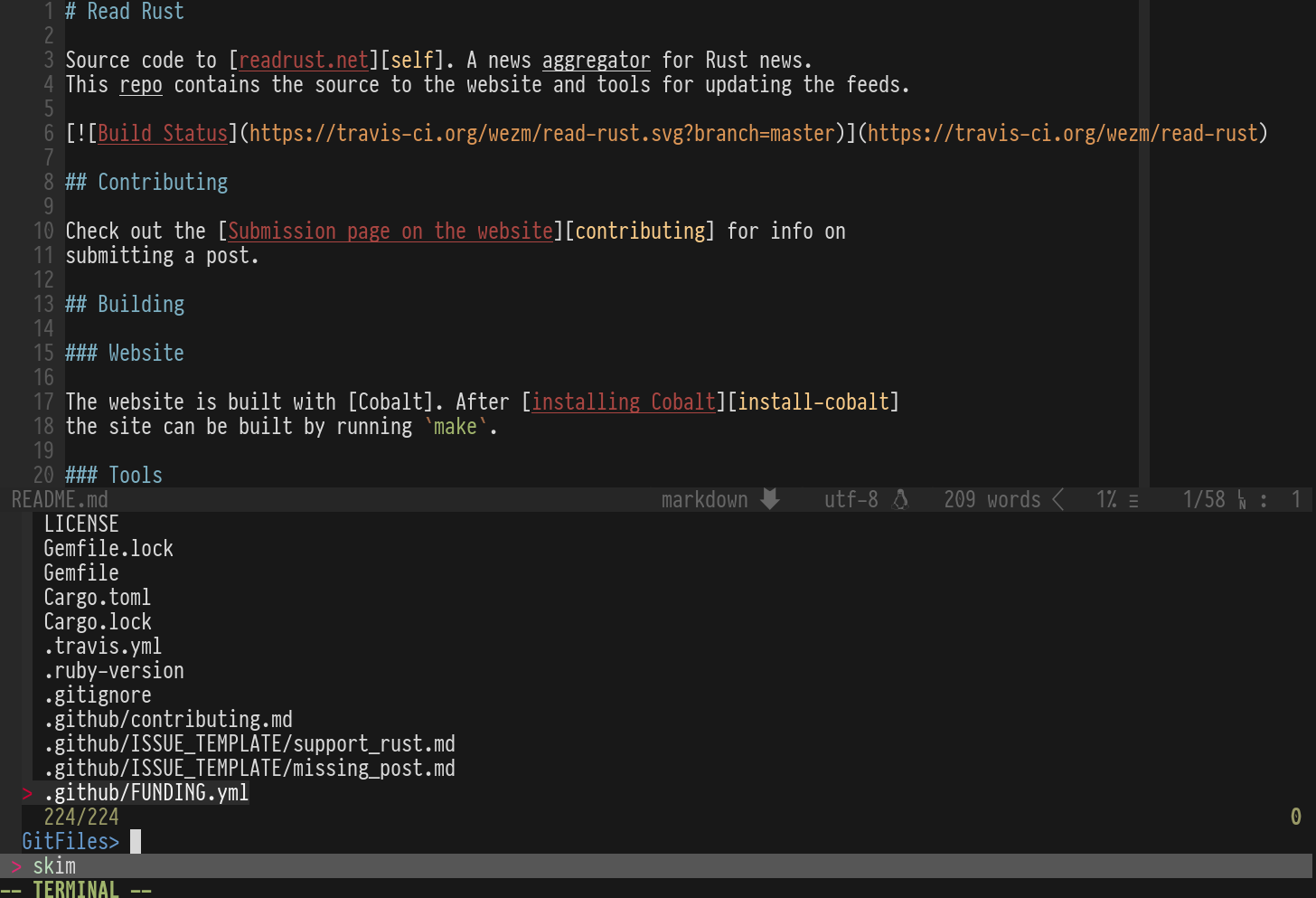
skim is a fuzzy finder. It can be used to fuzzy match input fed to it. I use it with Neovim and zsh for fuzzy matching file names.
slop 
slop (Select Operation) presents a UI to select a region of the screen or a window and prints the region to stdout. Works well with shotgun.
$ slop -c 0,0,0,0.75 -l -f "-i %i -g %g"
-i 8389044 -g 1464x1008+291+818Syncthing
Syncthing is a decentralised file synchronisation tool. Like Dropbox but self hosted and without the need for a central third-party file store.
tig 
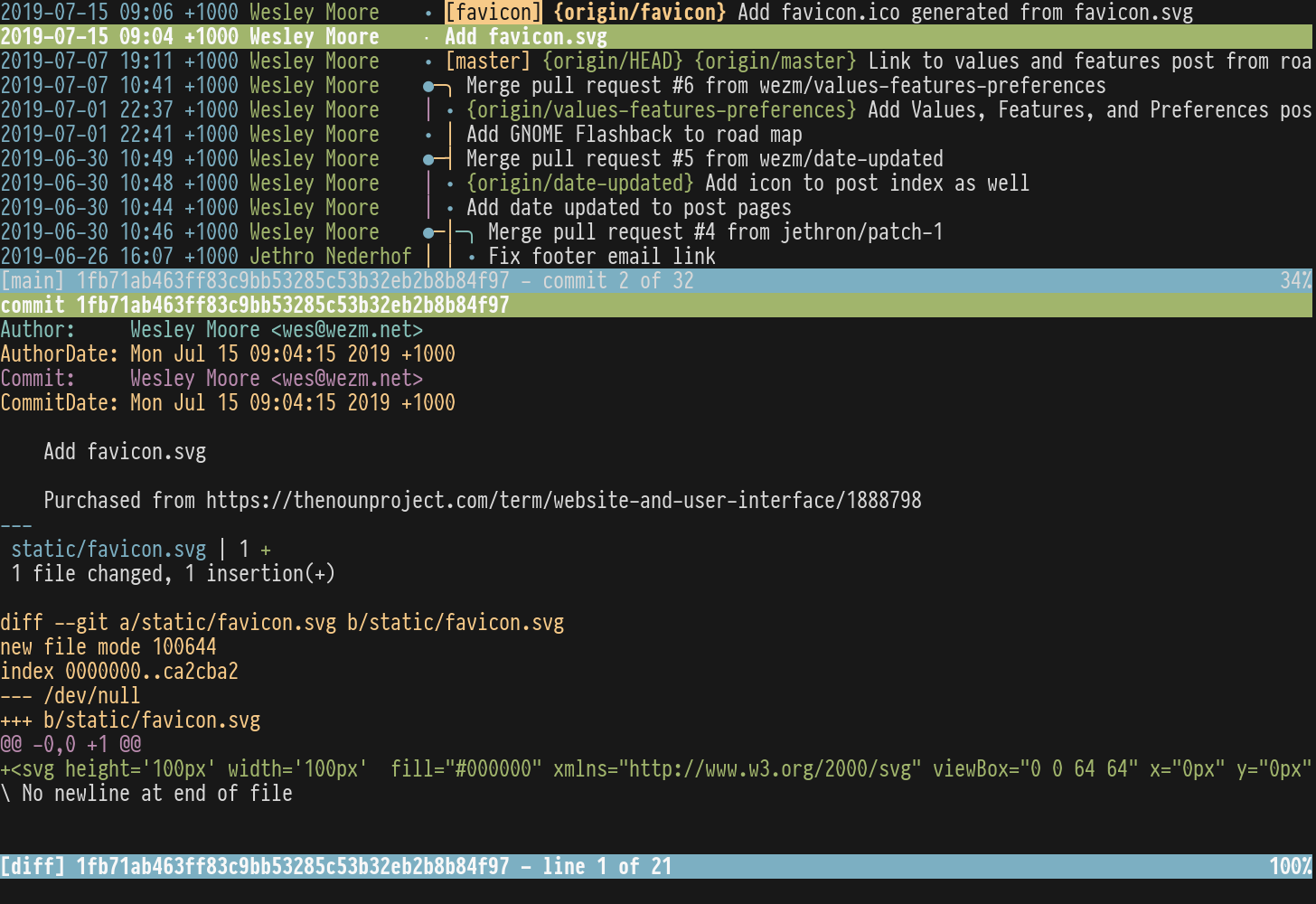
tig is a ncurses TUI for git. It’s great for reviewing and staging changes, viewing history and diffs.
titlecase
titlecase is a little tool I wrote to format text using a title case format described by John Gruber. It correctly handles puctuation, and words like iPhone. I use it to obtain consistent titles on all my blog posts.
$ echo 'an illustrated guide to useful command line tools' | titlecase
An Illustrated Guide to Useful Command Line Tools
I typically use it from within Neovim where selected text is piped through it in-place. This is done by creating a visual selection and then typing: :!titlecase.
Universal Ctags
Universal Ctags is a fork of exuberant ctags that is actively maintained. ctags is used to generate a tags file that vim and other tools can use to navigate to the definition of symbols in files.
$ ctags --recurse srcwatchexec
watchexec is a file a directory watcher that can run commands in response to file system changes. Handy for auto running tests or restarting a development web server when source files change.
# run command on file change
$ watchexec -w content cobalt build

# kill and restart server on file change
$ watchexec -w src -s SIGINT -r 'cargo run'z
z tracks your most used directories and allows you to jump to them with a partial name.

zola
zola is a full-featured very fast static site compiler.



